
Monoloth
Agent-agnostic desktop shell for CLI coding tools





ㅤ

ㅤ
ㅤ
Monoloth wraps CLI coding agents (like OpenCode and Claude Code) in a native Windows desktop shell. Choose a project directory to start a session with integrated terminal emulation and session history tracking.
We built the backend with Tauri 2 and Rust, and the frontend with vanilla JavaScript. The project does not use a bundler, a package.json file, or a Node.js build process.
Build & Run
Ensure you have the Rust toolchain installed, then compile the application.
# Clone the repository
git clone https://github.com/noahain/Monoloth.git
cd Monoloth

# Verify the setup
cd src-tauri
cargo check

# Run in development mode
cargo tauri dev

# Build the release executable
cargo tauri build
The system serves frontend assets directly from the frontend/ directory, requiring no package manager.
Features
- Terminal emulator
- Uses xterm.js with WebGL rendering
- Manages multiple session PTYs via
portable-pty - Includes a secondary CMD panel with drag-to-resize handles
- Command palette (
Ctrl+P)- Provides grouped commands and directory navigation
- Allows users to trigger custom secondary actions
- Custom sidebar
- Supports background commands and external terminal execution
- Offers reorderable buttons and multiple icon options
- Visual theme configuration
- Updates color themes based on wallpaper brightness
- Applies blur or solid styling to UI elements
- Profile system
- Keeps user settings separate while sharing global window states
- Session tracking
- Saves session times and per-tool usage breakdowns
Visual Gallery
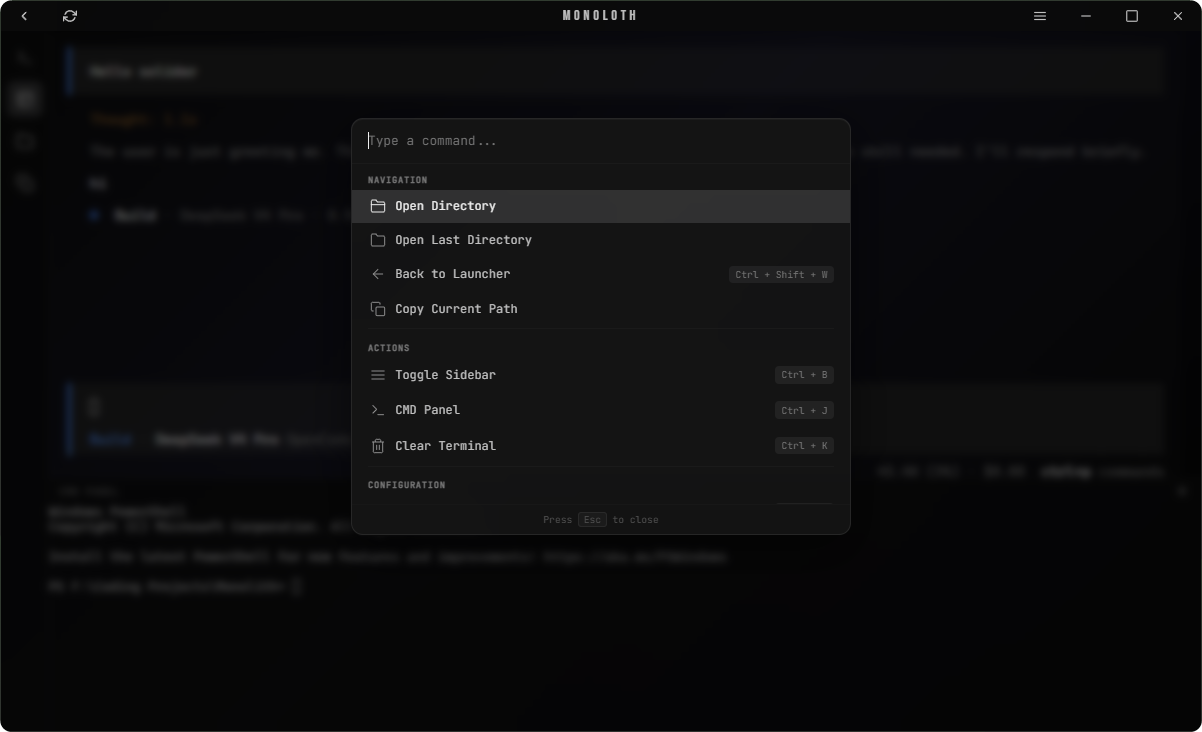
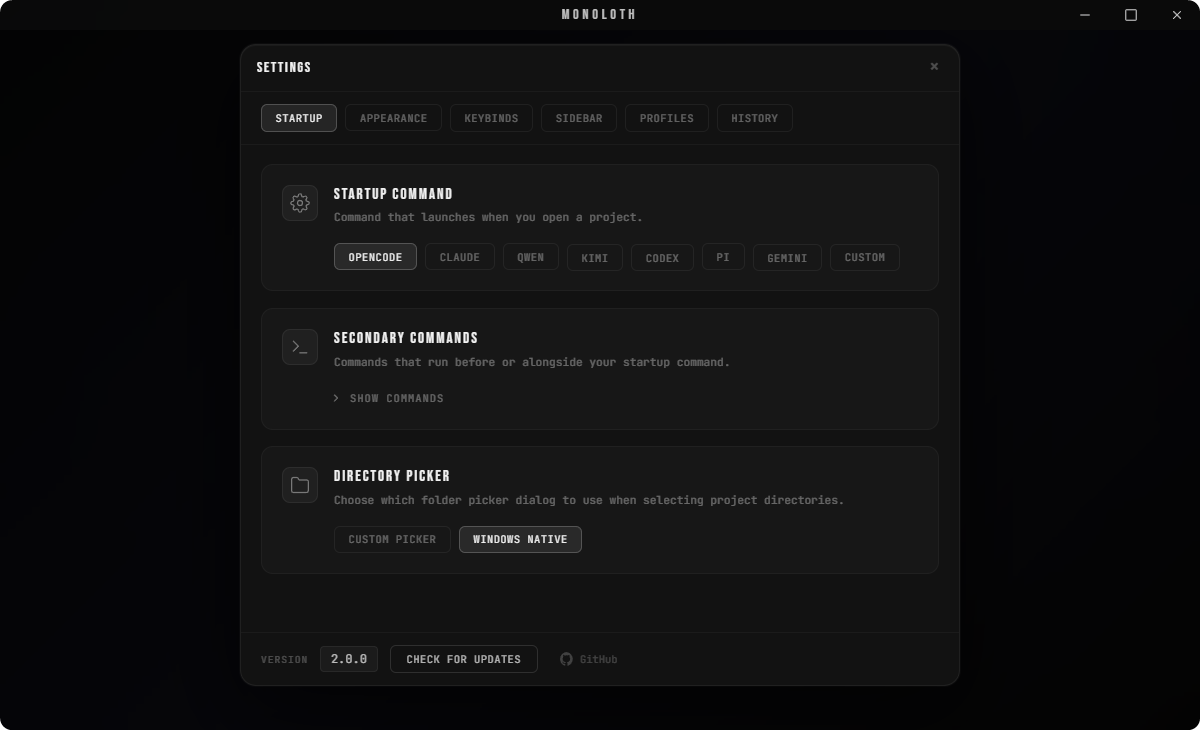
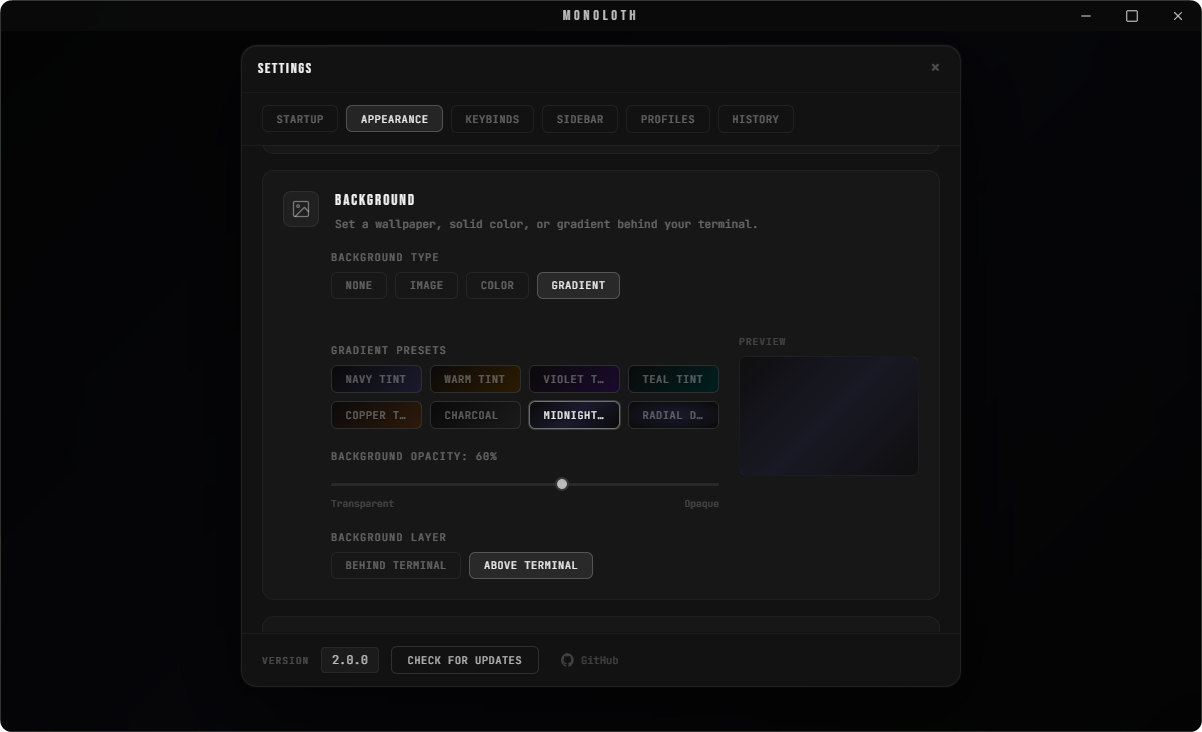
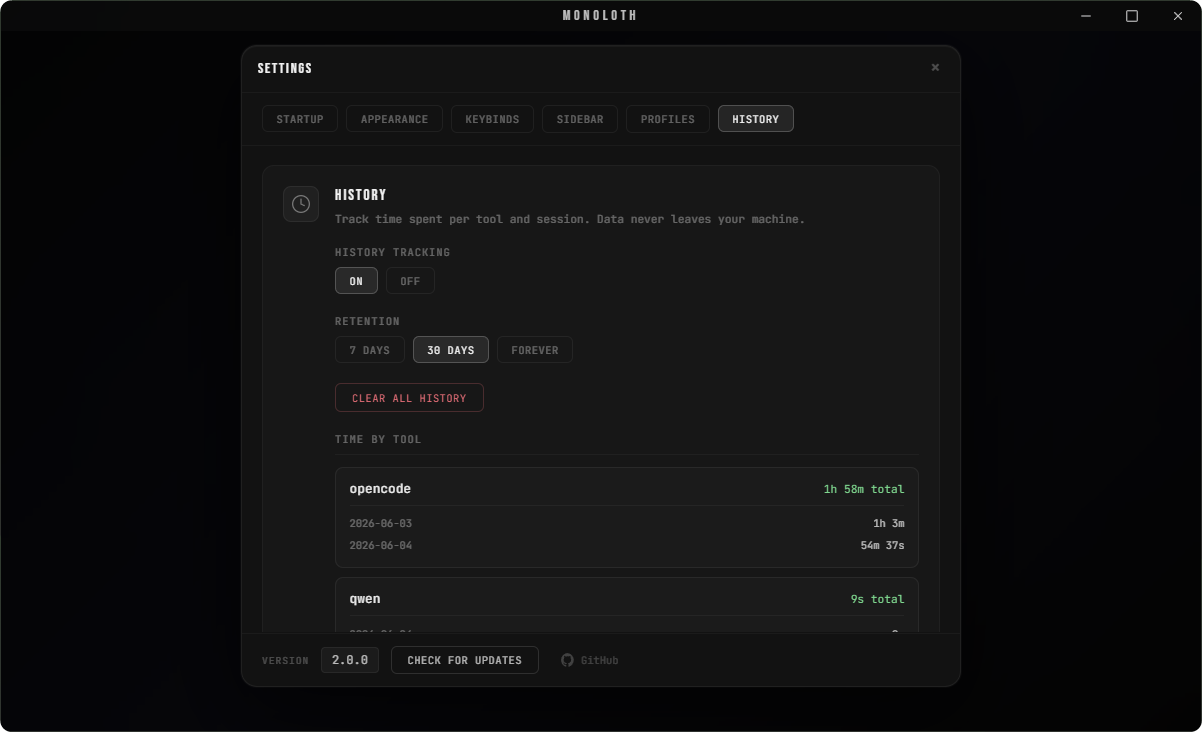
Customization Presets
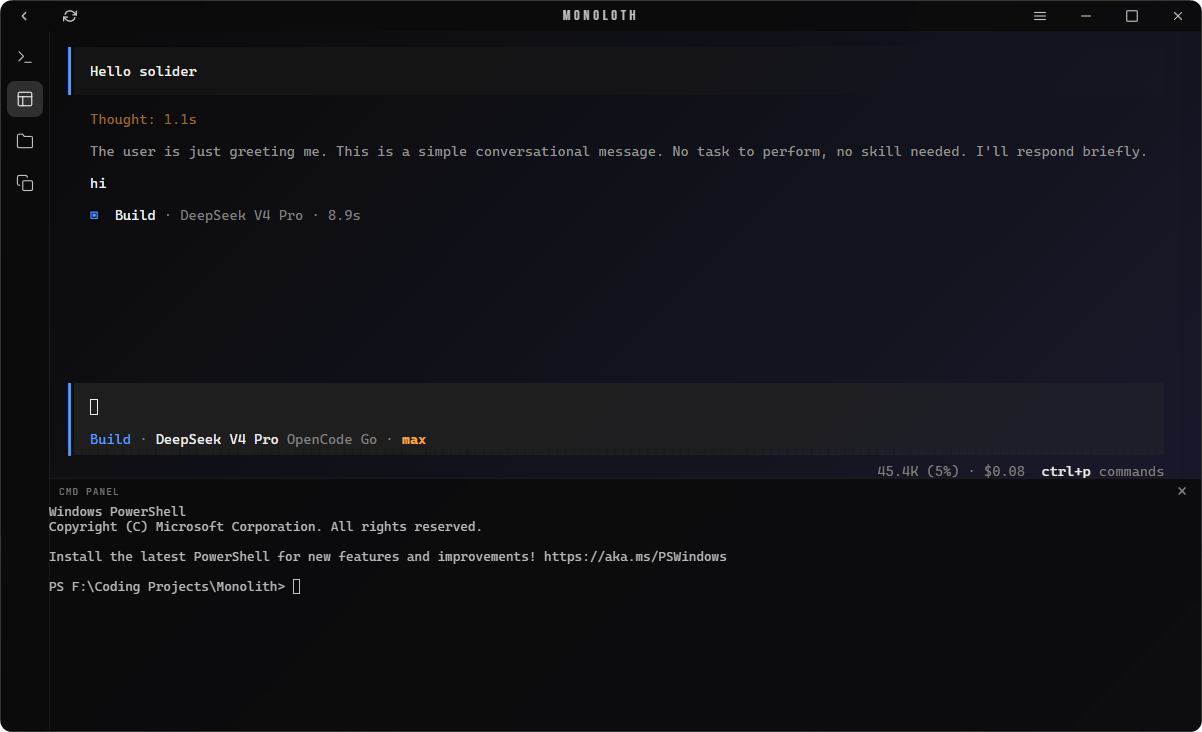
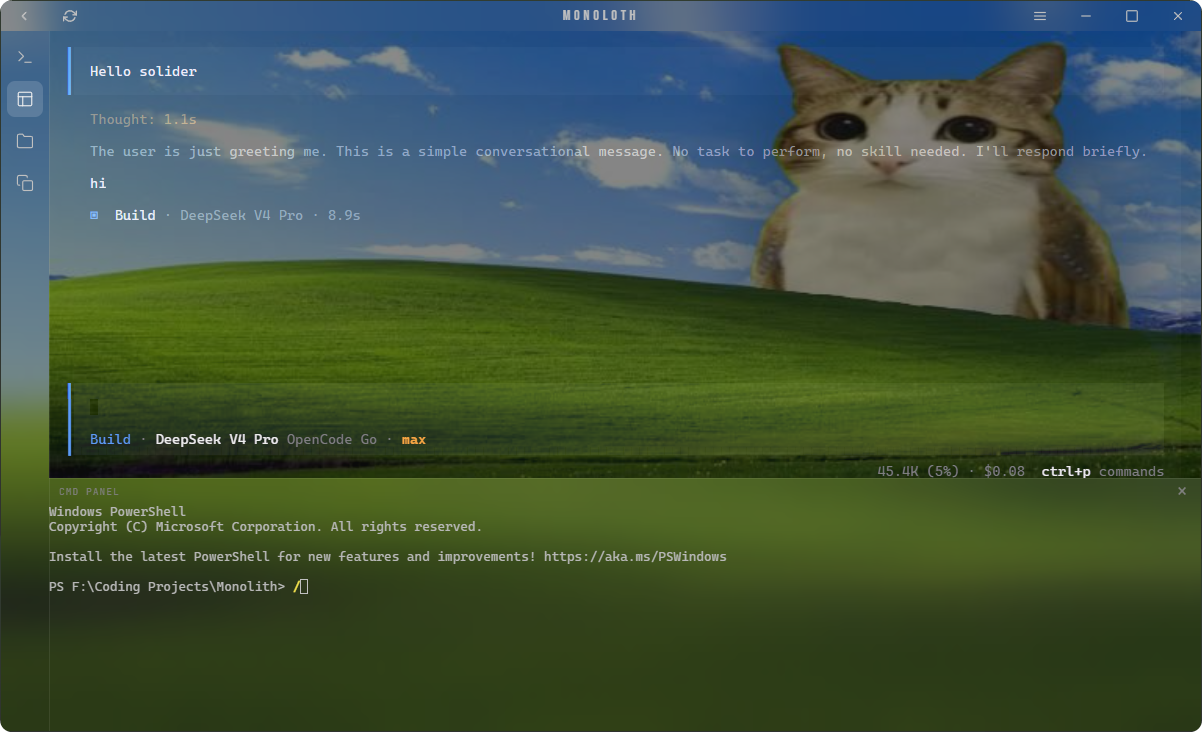
Prerequisites
- Windows 10 or newer (WebView2 bundles via the
embedBootstrapperconfiguration) - Rust toolchain 1.77.2 or newer
- Build Tools: C++ Build Tools
Project Structure
View Directory Layout
Monoloth/
├── src-tauri/                  # Rust backend configuration
│   ├── src/
│   │   ├── main.rs             # Execution entry point
│   │   ├── lib.rs              # Tauri setup and window events
│   │   ├── commands/           # Tauri IPC commands
│   │   │   ├── config.rs       # Profile and background configurations
│   │   │   ├── fs.rs           # File operations and previews
│   │   │   ├── history.rs      # Session history queries
│   │   │   ├── image.rs        # Image reading and analysis
│   │   │   ├── profile.rs      # Profile operations
│   │   │   ├── shell.rs        # External execution handling
│   │   │   ├── terminal.rs     # Terminal session management
│   │   │   └── window.rs       # Window controls
│   │   ├── config.rs           # Profile serialization and sanitization
│   │   ├── history.rs          # History tracking
│   │   └── pty.rs              # Terminal manager interface
│   ├── Cargo.toml
│   └── tauri.conf.json
├── frontend/
│   ├── index.html              # HTML structure
│   ├── app.js                  # Main application controller
│   ├── sidebar.js              # Sidebar logic
│   ├── tauri-bridge.js         # IPC layer
│   ├── dom-utils.js            # User interface utilities
│   ├── tooltip.js              # Custom tooltips
│   ├── style.css               # Application stylesheet
│   └── lib/
│       ├── xterm.js            # Terminal rendering library
│       ├── xterm-addon-fit.js  # Terminal fit plugin
│       ├── xterm-addon-webgl.js# Terminal WebGL acceleration
│       ├── plugin-updater.js   # Updater wrapper
│       ├── plugin-process.js   # Process wrapper
│       └── updater-toast.js    # Update notifications
├── assets/
│   ├── icon.png
│   ├── icon.ico
│   └── screenshots/
└── .github/workflows/release.yml
Configuration
The application stores settings at %APPDATA%/Monoloth/config.json and saves user profiles in %APPDATA%/Monoloth/profiles/.
| Parameter | Default Value | Description |
|---|---|---|
startup_command | opencode | Default CLI command |
theme_mode | dark | Default theme configuration |
bg_type | none | Background image type |
cta_button_style | blur | Visual theme styling |
active_profile | Default | Loaded settings profile |
use_custom_titlebar | true | Frame display configuration |
Settings Tabs
- Startup: Configures startup commands and default directories.
- Appearance: Controls visual themes and background styles.
- Keybinds: Rebinds command palette shortcuts.
- Profiles: Manages active user profiles.
- History: Controls session retention rules.
- Sidebar: Reorders sidebar buttons and action layouts.
Tech Stack
Rust 1.77.2 • Tauri 2.11.1 • portable-pty • xterm.js • WebGL • Vanilla JS • HTML5 • CSS3
License
MIT